DBaaS – Self-Service Guide
DBaaS Self-Service Portal
Cloud Avenue users who have requested subscription to DBaaS, after successful registration would have registration email informing that a DBaaS Tenant is created for them with name same as their existing Cloud Avenue vcloud director tenant name example “OCB0000XXXX”. This e-mail is send to the email-id mentioned in subscription request. The same user would be granted with administrator role called an “Tenant Admin” and would be responsible to create other users called tenant users, custom roles, creating database etc.
Login Page
Connect to URL – https://dbaas.cloudavenue.orange-business.com/
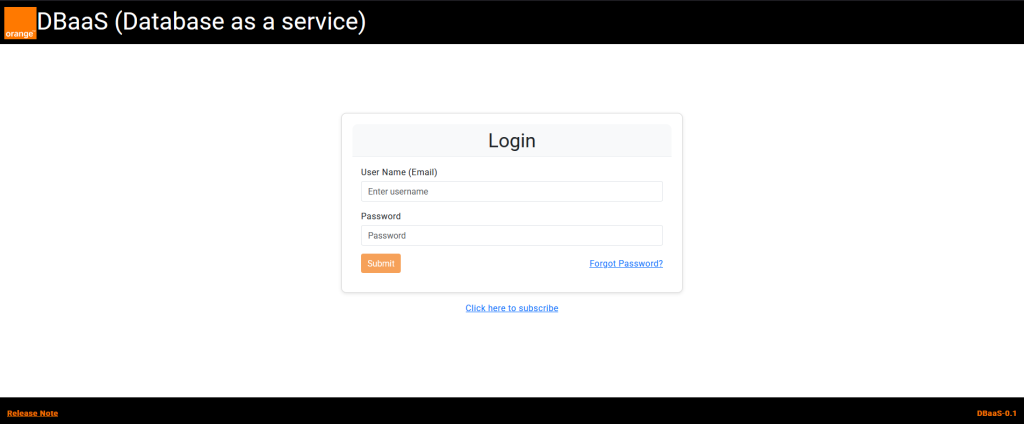
Upon successful login on the main page user would get access to different navigation modules depending upon the rights.
Dashboard
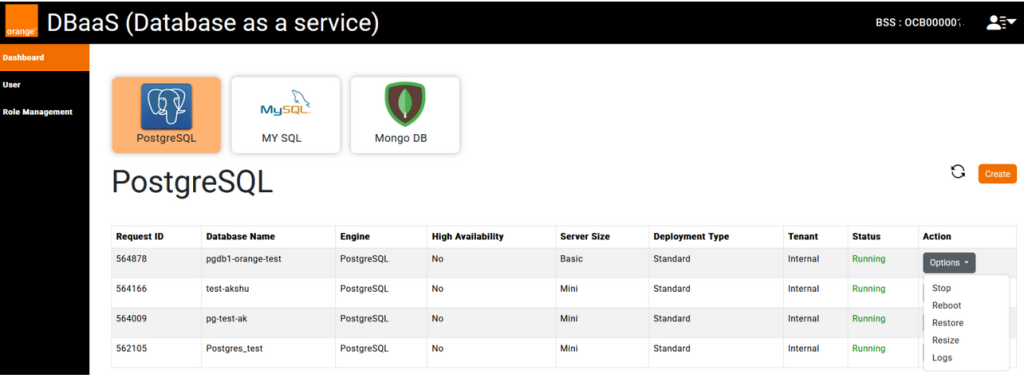
Dashboard provides a centralized view of database provisioning. It features three interactive tiles representing different database technologies.

Create Database
Each tenant has a default quota of 5 databases, which can be increased by contacting support team.
User can initiate database provisioning by clicking on a database tile and selecting the Create button from the Dashboard. This triggers the provisioning form for the selected database type. For details about DB provisioning and management refer to DBaaS user guide.
Database Actions
Depending upon the current state of database different actions are available to user namely start, stop, reboot, delete, resize and logs (download)
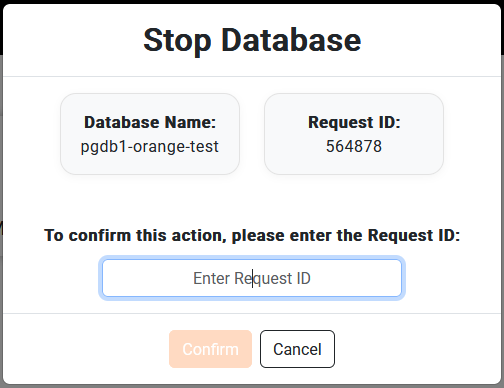
Each action would require a confirmation and user need to input the request id, example to start a stopped DB you need to copy the mentioned id in the text box and click confirm.
User Profile
On the dashboard user will have access to the following navigation options in the top-right header
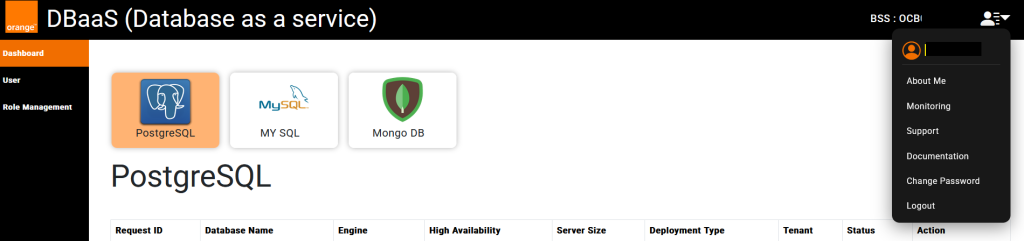
- About Me: View personal details.
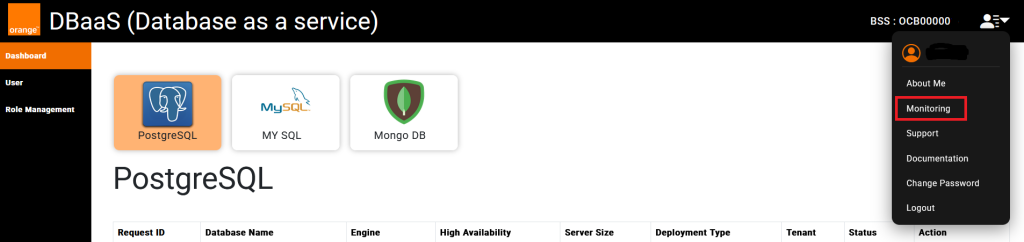
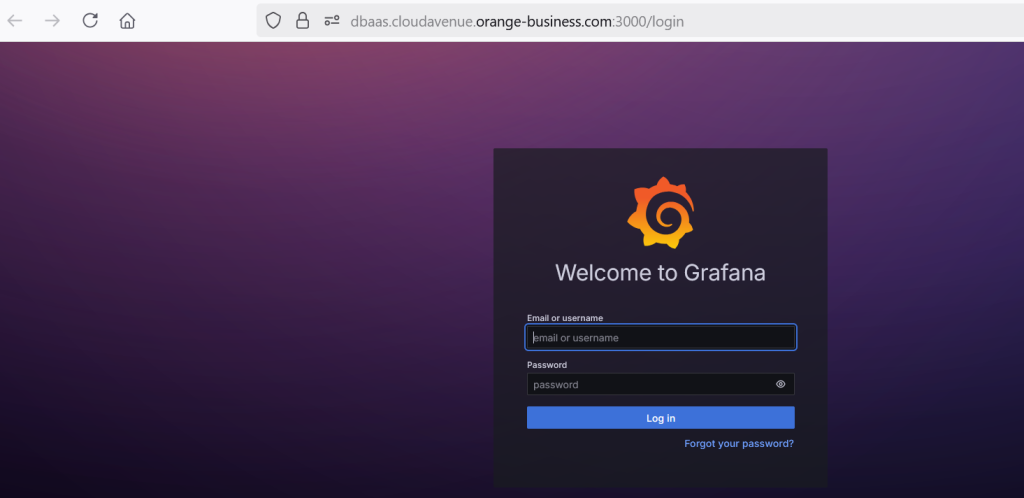
- Monitoring: Opens a separate portal, requires different credentials (To be merged in DBaaS portal by March 2026)
- Support: Access support resources and contact options.
- Documentation: View comprehensive documentation with detailed information.
- Change Password: Update account password.
- Logout: Securely log out from the system.
User
The User module is exclusive to the Tenant Admin, offering complete control over user accounts within the tenant environment.

- Maximum five active users are allowed at any point in time, can be increased by request.
- Users can be disabled or deleted if required.
- Two default roles are available, Tenant Admin (Full Rights) and Tenant Users (All rights except for user management)
Role Management
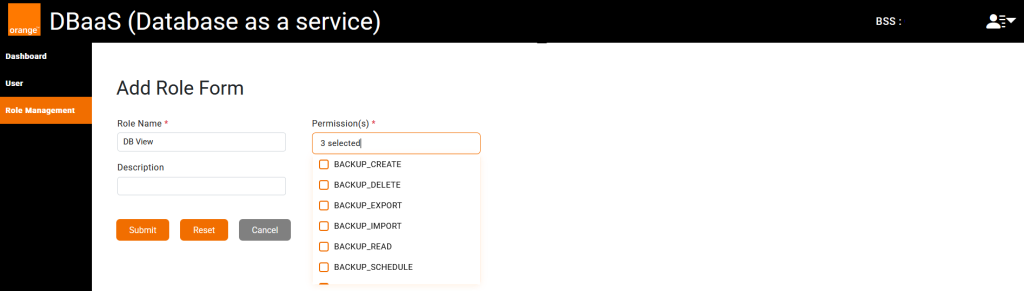
The Roles Management allows the Tenant Admin to create custom roles with limited permissions, if the existing two roles are not enough.
Monitoring Portal (Beta Release)
DBaaS Portal provides database usage and performance monitoring capability based on Grafana via a separate portal link of which is provided under User drop down, marked in red box “Monitoring”. User account for this portal is created and shared as part of DBaaS subscription process.
This feature is currently in beta and would be replaced by an integrated monitoring dashboard in the DBaaS portal with the next release of the portal.
Monitoring Portal opens in a separate tab
Swagger UI
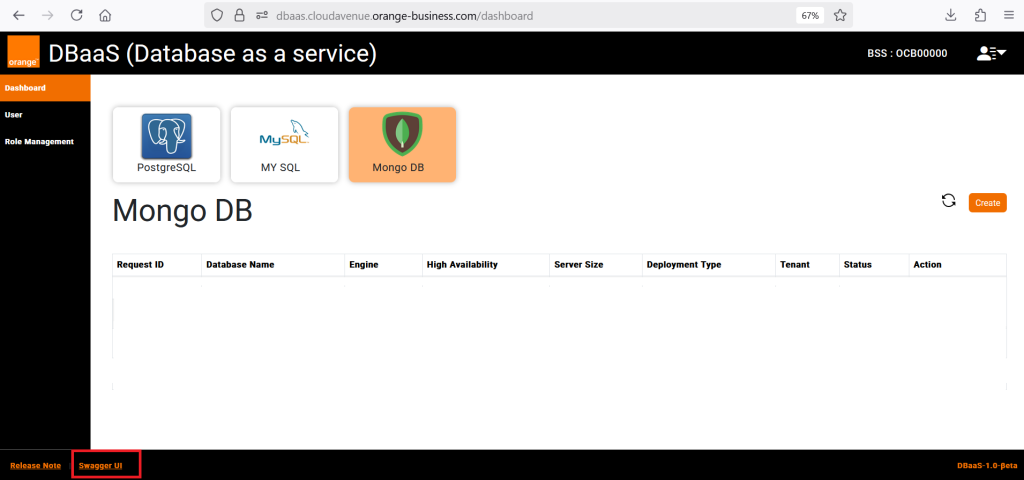
DBaaS Portal provides all ability to call all the functionality via API and an integrated Swagger UI is provided where all the API are documented and API interaction can be done. Link is provided at the bottom of the page.
A separate tab is opened when clicking on the Swagger UI link.
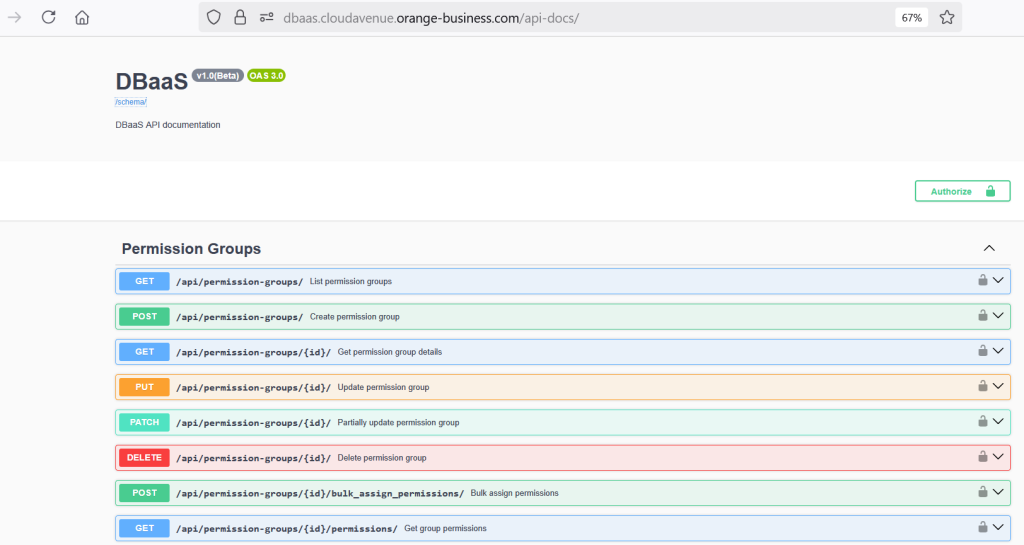
- The API allows tenant admins and tenant users to query and provision and to perform actions and follows REST principles.
API Authentication
Authentication can be made using by passing a User Name (email) and Password, a valid and active user account is required at DBaaS portal. Once the authentication is successful it return JWT tokens (access_token and refresh_token). This access_token is required for all other API methods. The swagger UI allows to authorize individual API calls or globally.

Copy the generated token from the response of above API call and use it authorize all or individual api calls, these token expires after 1 hours.