Support Ticket
Overview
For quality, traceability and quick resolution any request for a Change, Assistance or an Incident must be the subject of an open ticket with our support team. All email and/or phone exchanges must refer to the Number of this ticket.
Prerequisites
For the opening of a Ticket The Client provides “Required Information” listed below :
| Required Information | Example |
| Your company name | DIRECTION CLOUD FOR BUSINESS |
| Your organization name | FCA_VDR_PHAREOUEST |
| Your OCB contract number | OCB00002045 |
| Your Support level | Standard / Bronze / Silver / Gold |
| Priority | Critical / Major / Standard / Minor |
| Client impact | Critical / Major / Standard / Minor |
| Ticket title | / |
| Ticket type | Network incident, Storage, Password, … |
| Description and Summary of the tests carried out | / |
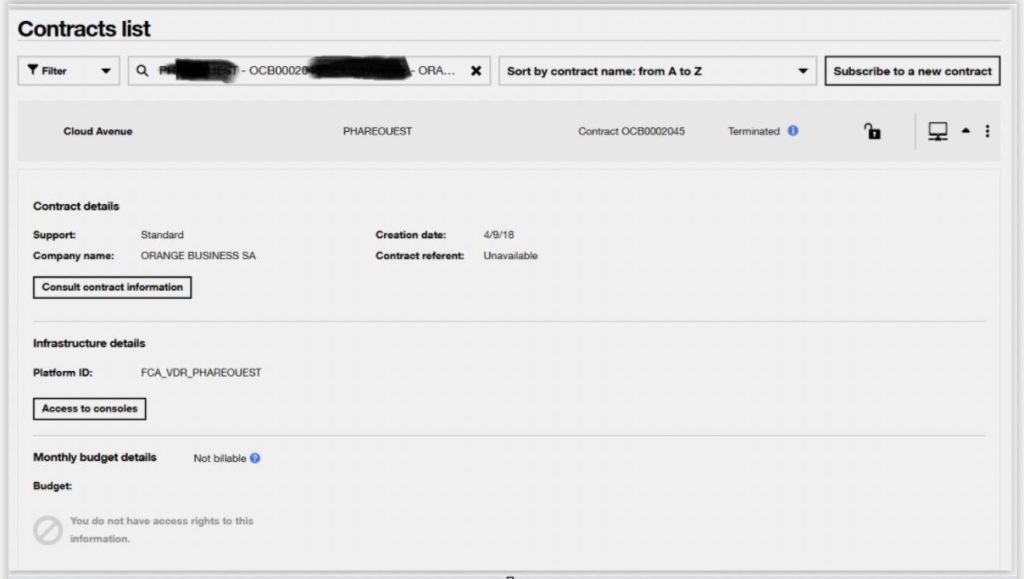
How to find information related to my Cloud Avenue contract?
- Log in Cloud Customer Space
- Select the Dashboard menu
- Select the contract in the contract list section
- Enter the “necessary information” to open a Support Ticket

Reminder : For quality, traceability, and quick resolution all email and/or phone exchanges must refer to the Number of the ticket.
Open a Ticket
Prerequisites:
- The Client has valid access to the Cloud Customer Space.
- If that is not the case The Client follows instructions in the Cloud Customer Space to reset the login credentials.
In case of issues:
- Temporarily, The Client opens an Incident or Change ticket via email or phone by contacting support.
- In this case, The Client provides all the “Required Information” described in the prerequisites.
We recommend:
- The Client opens a ticket by email if unable to open tickets directly from the Cloud Customer Space.
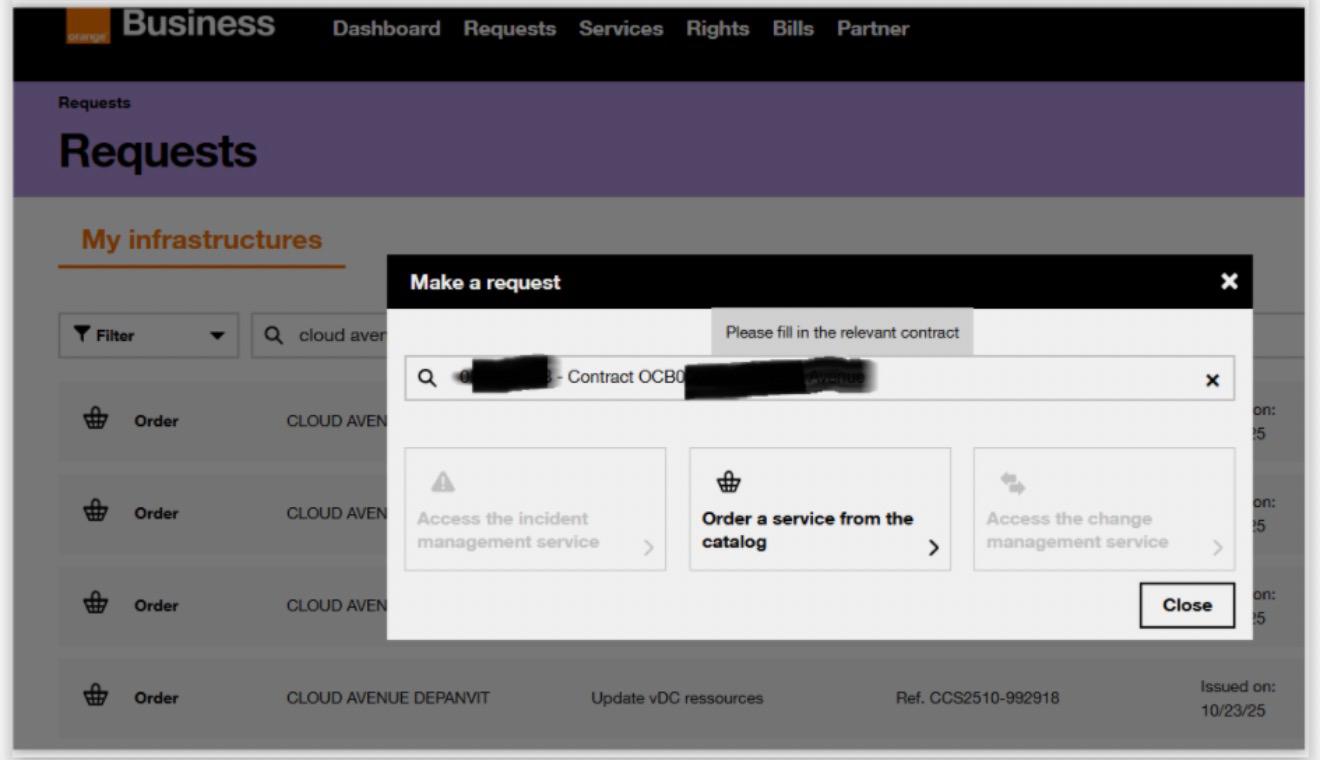
Standard Ticket opening procedure:
- Log in to the Cloud Customer Space
- Select the Requests menu
- Select the contract in the contract list section
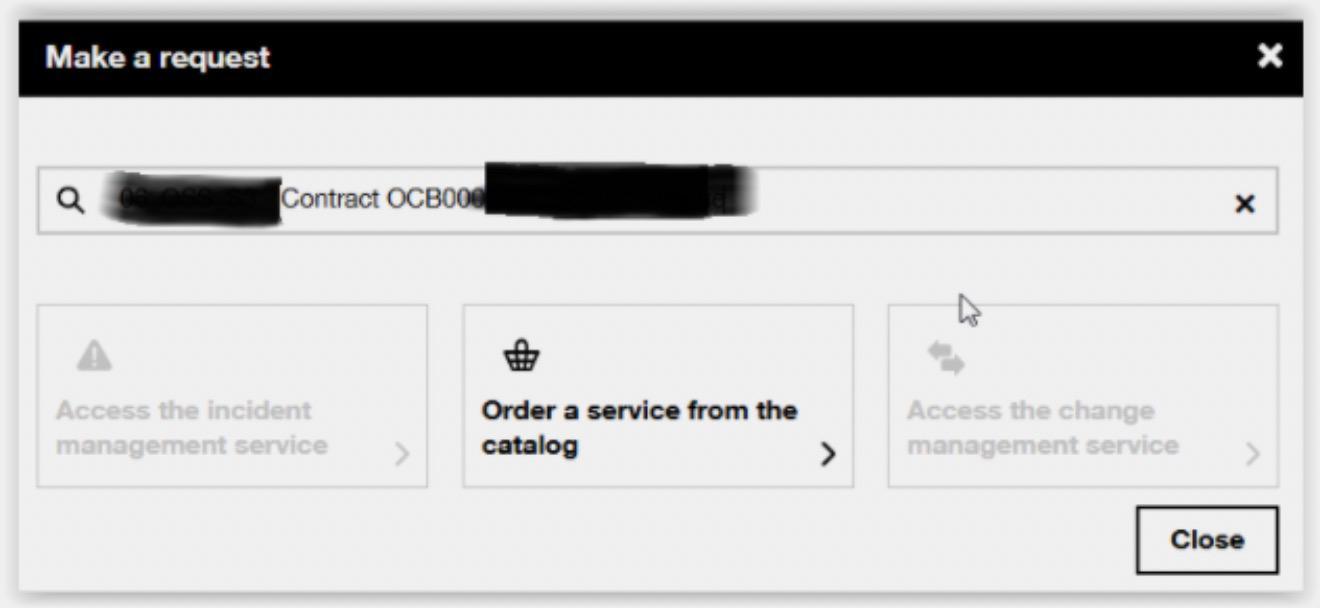
- Select Create a Request
Further information:
In case of issues
| Open a Ticket by Phone In case of difficulty opening a ticket from the Cloud Customer Space, it is possible to contact support by phone. For this, The Client will need to provide their contract information as explained in the Prerequisites section above | – Contact the support by phone : +33 (1) 85 14 93 56 |
| Open a ticket by email In case of difficulty opening a ticket via the Cloud Customer Space. it is possible to contact support by email. For this, You must provide in the email the information of your contract as explained in the Prerequisites section above | – Contact the support by e-mail: obs-cloud-z3.servicedesk@orange.com |
Premium support (Bronze, Silver, Gold) :
With a Gold, Silver or Bronze support subscription The Client was get assistance from “Cloud Expertise” team with Requests, Support and for critical ticket escalations if needed.
To do so The Client contacts the support team (see above) to receive the contact email for the “Cloud Expertise” team and discuss directly. Alternatively The Client asks support to activate the “Cloud Expertise” team in the Ticket in addition to standard support.
Reminder: to find your contract information such as your support level:
- Log in to the Cloud Customer Space
- Select the Dashboard menu
- Select the contract in the contract list section
- Select Support
The Client can also change support level from the Catalog tab.
Creating a Ticket from the Customer Portal >> your application Incidents-fixe en vidéo (déclaration) (orange-business.com)